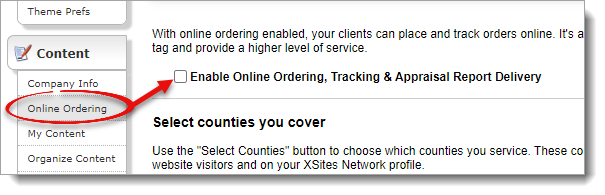
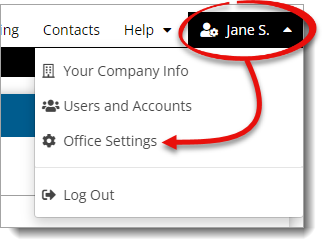
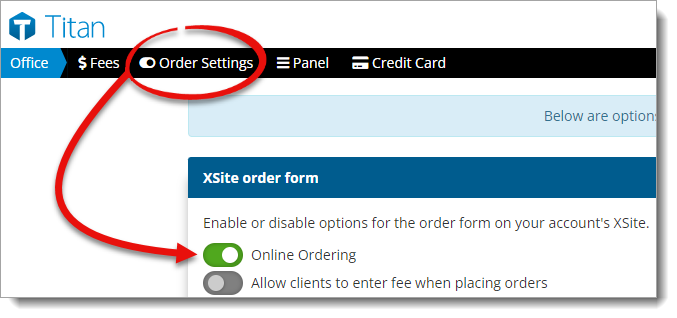
Click here to learn more about the Order Settings available in Titan Office, and instructions on how to customize what fields are available on your order form.
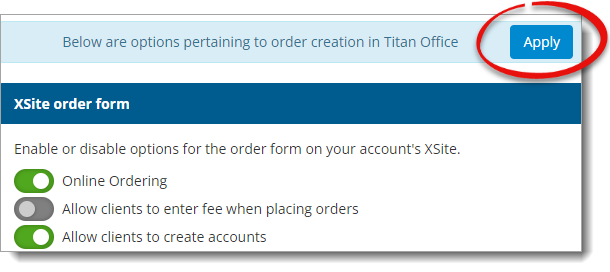
To enable online ordering in your Appraiser XSite:
Click here to learn more about the Order Settings available in Titan Office, and instructions on how to customize what fields are available on your order form.
That's it! Online Ordering is now available on your XSite. Any orders received through your online portal are sent to Titan Office. From there you can assign, manage, and process your appraisal orders with ease.
To manage which of your Titan Office users show in the XSite order form, click here to check out the Titan Office User's Guide. Titan Office helps manage your orders and your users to give you more control over the appraisal orders you receive.
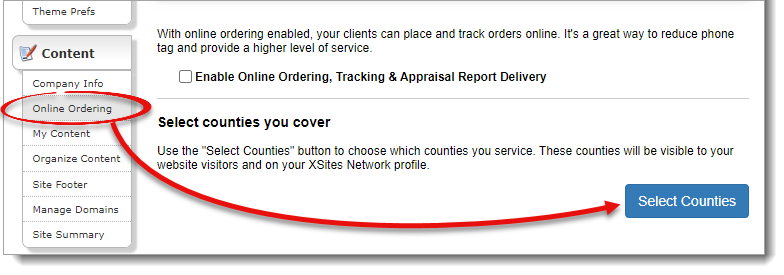
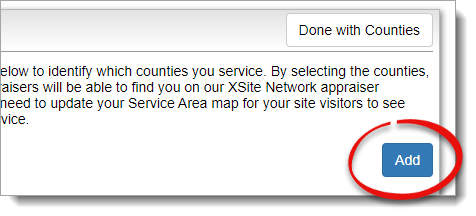
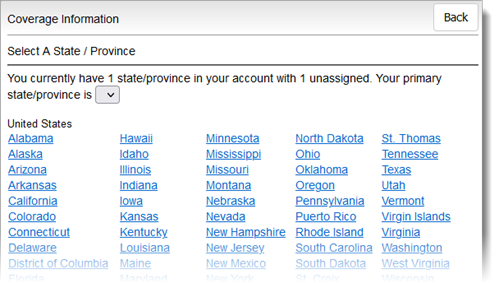
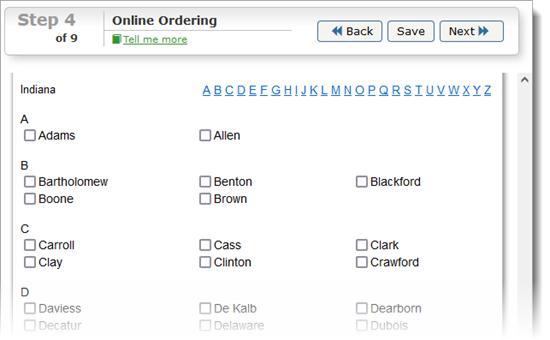
To select your counties that appear on your order form and your XSites Network profile:
To select the job types that appear on your order form and XSites Network profile:
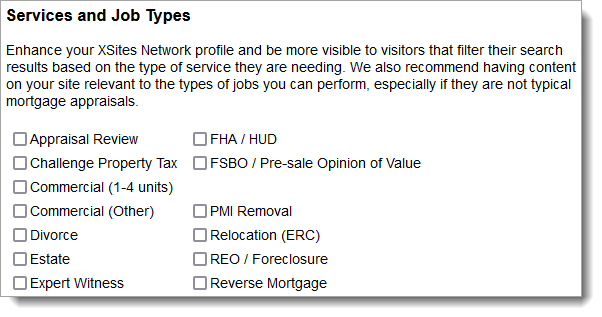
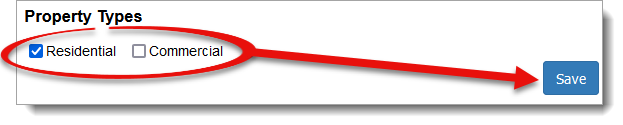
That's it! You've updated what appears on your order form and your profile on the XSites Network. Having an up to date profile allows potential clients to know which appraisals you offer, and if you cover their area. For more information on your ranking in the XSites Network, click here.